

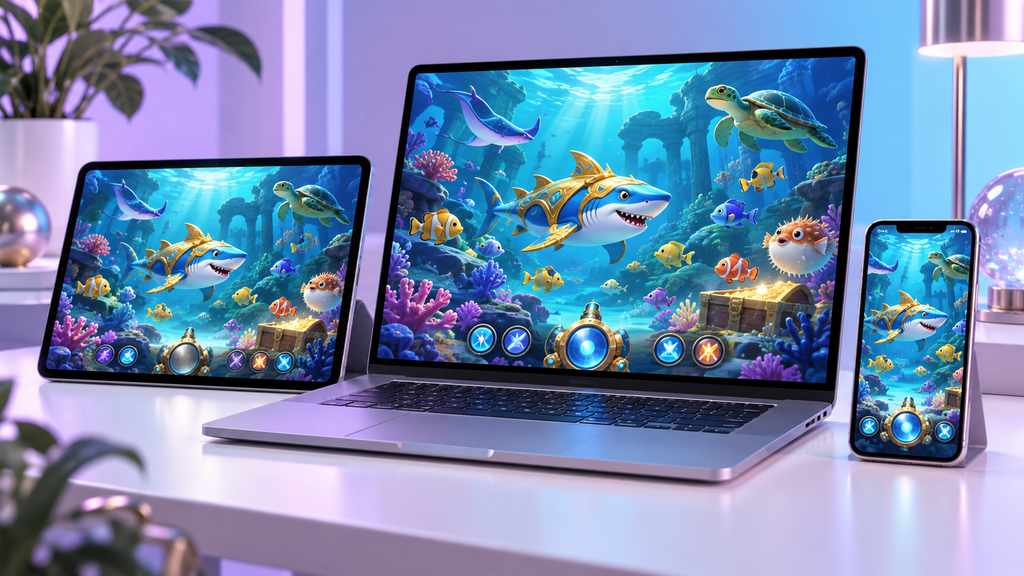
JDB’s official slot category describes mobile and multi-device compatibility. That supports access across different screen environments, but compatibility alone does not establish how comfortable a particular game will feel on every phone or tablet.
For readers investigating JDB games through cc6, this guide focuses on practical mobile checks that matter before paid play.

Screen Clarity Comes First
A mobile game should show its balance, current stake and important controls clearly. Decorative elements become less useful when they obscure information needed to make a spending decision.
Open the paytable and check whether the text can be read comfortably. Where orientation options are supported, compare them and choose the layout that makes the rules and controls easiest to use.
Mobile and Desktop Compared
| Area | Mobile consideration | Desktop consideration |
|---|---|---|
| Screen space | Compact menus and smaller text | More room for game information |
| Controls | Touch accuracy and button spacing | Mouse movement and click accuracy |
| Connection | Wi-Fi or mobile signal changes | Local network stability |
| Device performance | Battery, heat and background apps | Browser load and computer resources |
| Rule access | Information panels on a small display | Larger paytable presentation |
| Interruptions | Calls, notifications and app switching | Other tabs and desktop alerts |
Players examining cc6 on a mobile device should check the real interface rather than judge it only from a desktop screenshot.
Browser Access and App Claims
Do not assume that a game provider’s mobile compatibility means it offers a universal consumer app. The way a game opens depends on the operator’s implementation.
If a platform advertises an app, verify its official distribution source and publisher. Browser access, a casino app and a provider demonstration are different routes, and each may have different account requirements.
Check Controls Before Selecting a Stake
Small buttons can make unintended stake changes easier. Locate the stake selector, confirm the displayed amount and learn how to reopen the rules.
When testing a JDB game through cc6, use a demonstration option if one is available. A demo can help explain controls and animations, although its results should not be treated as a forecast of paid play.
Handle Connection Interruptions Carefully
If the connection drops during a paid action, do not assume that the wager was canceled. Reconnect and check the game record or account history before repeating it.
Keep the game name, time and relevant transaction details if clarification is needed. The operator’s support service should be the first contact for account-related questions.
Conclusion
Mobile usability depends on clear information, dependable controls and the actual platform integration. For readers researching cc6, these practical checks help evaluate the experience more accurately than a general claim of mobile support. A convenient interface should also make it easy to monitor spending and take breaks.